
Design AI products
people
Curated AI UX patterns, frameworks, prompts, and skills for designers, PMs, and builders, with real examples from shipped AI products.
Editor picks

Claude composer UX: model picker, skills & attachments
Claude composer UX analysis: + menu, model picker, skills, voice, and attachment chips. Screenshot walkthrough of how Anthropic scales casual users into power features.



DeepSeek composer UX: DeepThink, Search & modes
DeepSeek composer UX: Instant vs Expert, DeepThink, web search, and attach. Screenshot walkthrough of mode disclosure and progressive tool surfacing.


AI Logo Concept Generator
Generate strategic logo concept directions with rationale, symbol ideas, and style guidance before design execution.
Shepherd's Dog
Pastoral herding game from the When AI Fails series: steer a dog, bark to scatter sheep, and beat dusk before wolves arrive, built with Claude Fable 5.

Why I Keep Returning to These Ten Vibe-Coded Projects
A Playground tour of portfolios, experiments, and Framer components that show where product feel actually gets built.
Design and ship polished sites without code. Use code partner25proyearly for 3 months free on yearly Pro.
Try Framer freeAI SEO
Optimize for AI search: Google AI Overviews, ChatGPT, Perplexity, Claude. Structure content to get cited in LLM answers (GEO/AEO).
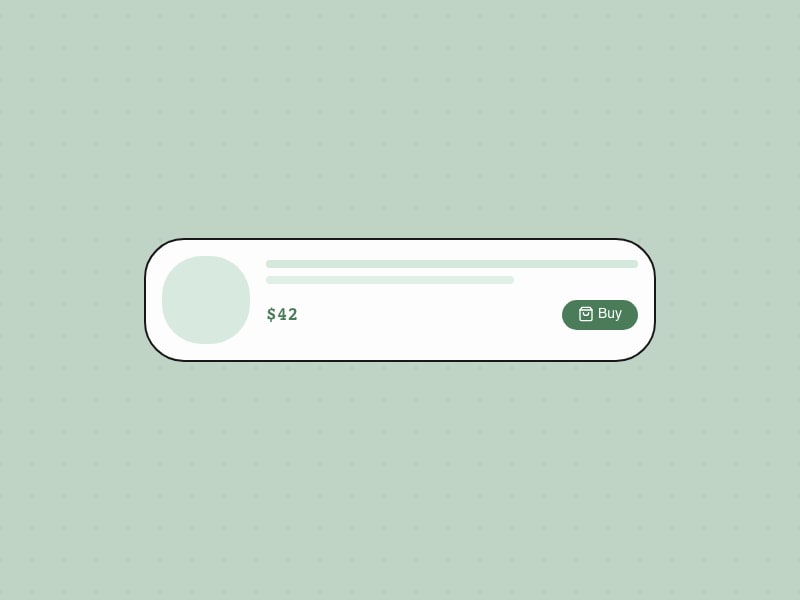
Instant Buy
One-click purchase from AI
Design & Analyze a Survey
Create effective surveys, collect responses, and analyze results for actionable insights.

Google AI Mode composer UX: Canvas, Create & Lens
Google AI Mode composer UX: AI Mode toggle, + menu, Canvas, Create, and Lens integration. Screenshot walkthrough for search-to-chat product designers.


Logo Critique & Refinement
Critique a logo direction and get prioritized refinements for clarity, distinctiveness, scalability, and brand fit.
Animation Gallery
Interactive animation gallery with a transition dial: browse motion presets and tune timing in the browser.

The Rise of the Design Engineer in the Era of AI
Why the most valuable product people of the next decade might sit between design and code—and what taste, systems thinking, and builder energy look like in practice.
Conversion Rate Optimization
Optimize marketing pages and forms for conversions: diagnosis, hypotheses, experiments, and copy/UX fixes for homepages, landing pages, and signup flows.
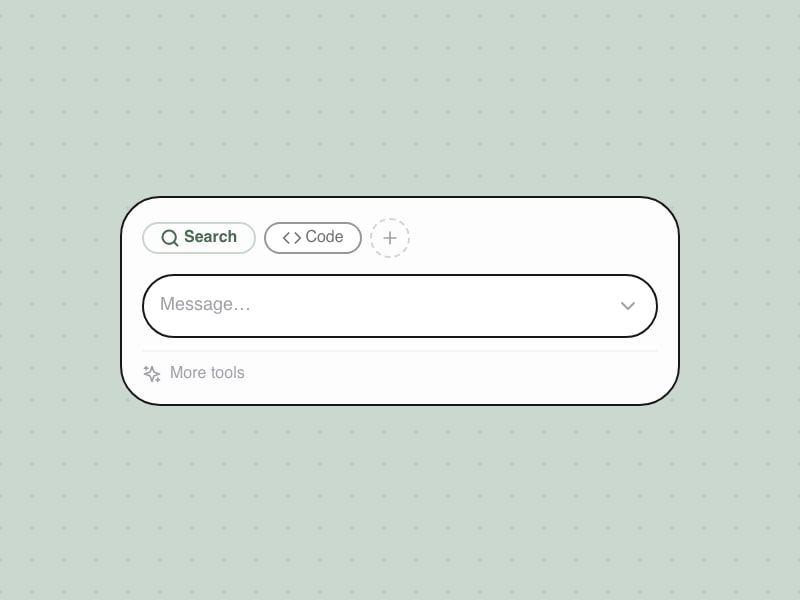
Tool Switching in Composer
Switch between AI capabilities within composer
Design & Analyze A/B Tests
Design rigorous A/B tests, run them correctly, and analyze results for clear decisions.

Lovable composer UX: Build, Plan & templates
Lovable composer UX: Build vs Plan modes, + menu, templates, and voice. How an AI app builder keeps the prompt bar approachable while exposing power tools.


Campaign Copy Generator
Generate conversion-focused copy across landing pages, ads, email subjects, and CTAs in one pass.
Halftone Maker
Professional halftone and stippling generator: grid layouts and organic dot placement with PNG/SVG export in the browser.


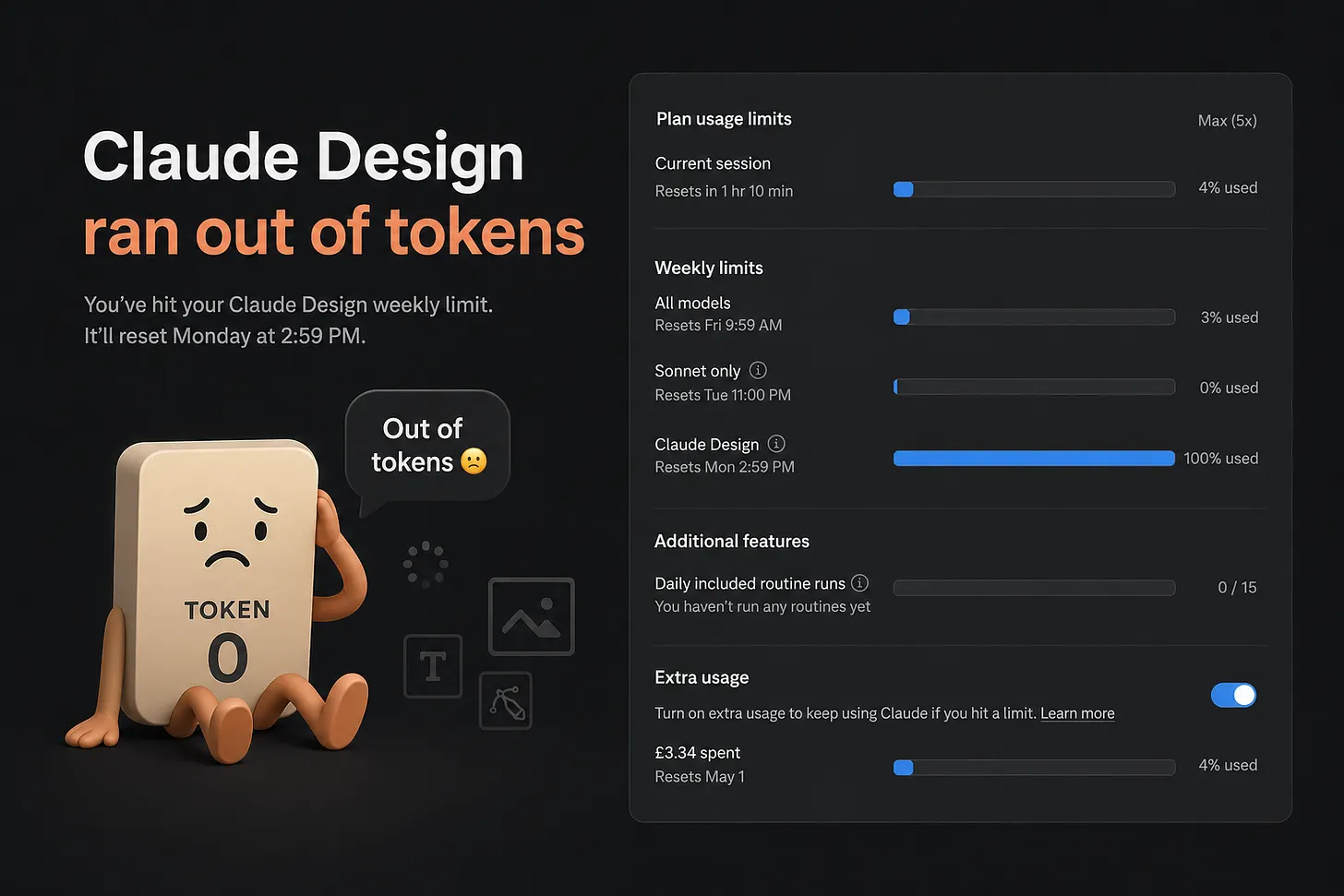
How to Save Tokens in Claude Design Without Killing Creative Quality
A practical playbook for reducing Claude Design usage, avoiding rework, and getting better output from every prompt without sacrificing creative quality.
Copy Editing
Edit and polish existing marketing copy with seven focused passes: clarity, voice, proof, specificity, and conversion readiness.
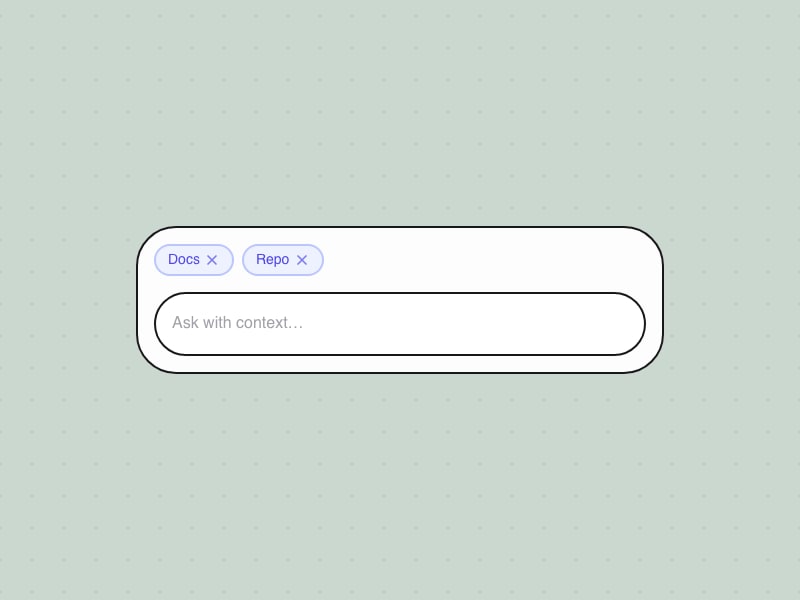
Context Chip Management
Adding context sources via menu with removable chips
Handoff to Engineering
Prepare designs for development with clear specs, assets, and communication.
Lovable onboarding UX: setup wizard & segmentation
Lovable onboarding UX: role/size segmentation, theme picker, connectors tour, and wizard flow. How AI builders reach first value before the blank prompt.


User Research Synthesis
Synthesize user research findings into actionable insights and design recommendations.
Taste
Design DNA for agents: a Claude Code skill and marketing site that reverse-engineers any website’s taste into tokens plus the trade-offs behind them.

Top 10 AI Prompts Every Visual Designer Should Save
10 copy-paste prompts for mood boards, polish passes, handoff QA, and stakeholder feedback so you can make faster, sharper visual design decisions with AI.
Directory Submissions
Submit your product to startup, SaaS, AI, and review directories with positioning variants, tracking, and prioritization for backlinks and discovery.
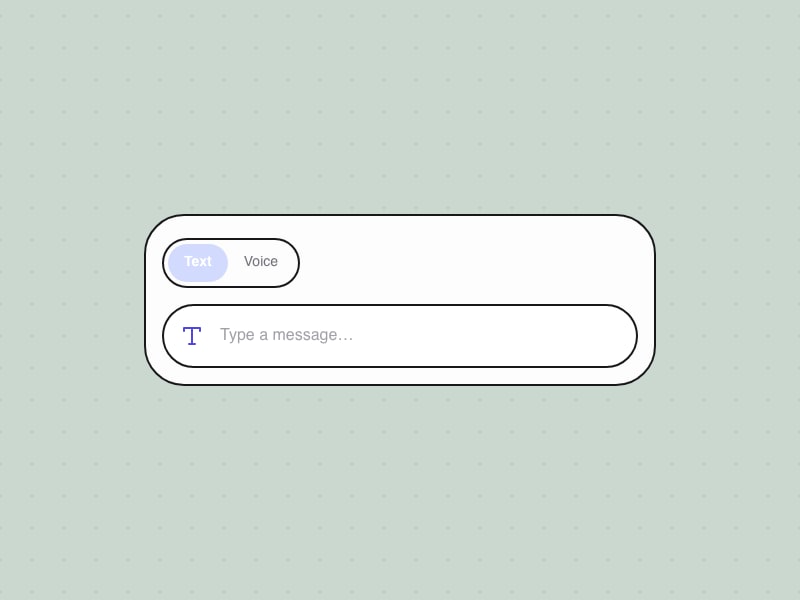
Input Mode Toggle
Switch between text, voice, and dictation modes
Lead a Cross-Functional Project
Successfully lead a project across teams without formal authority.

Perplexity composer UX: search modes & connectors
How Perplexity designs its search-first composer: mode selectors, connectors, model picker, and Computer mode. Screenshot walkthrough for AI product teams.


UI Component Specification
Generate a detailed UI component specification with states, variants, and interaction patterns.
Newt
Code-native pixel art editor: paint like a raster tool while every pixel stays a color token in clean, editable code—export SVG, CSS, React, PNG, or GIF.

The Week I Realized I Was Learning the Wrong Thing
In a week of nonstop AI launches, why the best investment is still timeless design fundamentals: trust, craft, and clear decision quality.

Product Launch
Plan product launches with the ORB framework (owned, rented, borrowed channels) and phased rollout from internal alpha to full launch.
Schema Markup
Add and fix JSON-LD structured data for rich results: FAQ, Article, Product, Breadcrumb, and Organization schema on marketing sites.
Career Development Plan
Create a structured career development plan with goals, skills to develop, and actionable steps.
Top Prompts
See allFrequently asked questions
What is AI UX Playground?
AI UX Playground is a free reference for people who design AI products. It catalogs 172+ interface patterns with live demos, 3 versioned UX frameworks, 15 product teardowns with screenshot walkthroughs, 172 copy-paste prompts, 90 agent skills (SKILL.md), 18 multi-step workflows, and a curated Playground of 51 projects. The site is built for product designers, PMs, and engineers shipping chat, agents, and multimodal AI.
How is this different from a general UI pattern library?
General UI libraries cover buttons, forms, and navigation for static apps. AI UX Playground focuses on problems that appear when models stream, act autonomously, need trust signals, handle tools, or work across voice and ambient surfaces. Patterns are tagged by product examples (ChatGPT, Claude, Perplexity, and others) and grouped for agentic, chat, trust, and commerce workflows—not generic web chrome.
What is the difference between Patterns and Teardowns?
Patterns are documented UX solutions with definitions, when-to-use guidance, anti-patterns, and interactive demos you can study in the browser. Teardowns (15 live guides) are job-first, screenshot-backed walkthroughs of how shipped AI products solve specific design problems in production, useful for benchmarking before you pick a pattern to spec.
What are Frameworks on this site?
Frameworks are deep, versioned references—not just filters on the pattern grid. The live catalog includes 3 frameworks (for example Agentic UX with 36 patterns across seven territories, and Chat UX for composer and turn-taking). Each framework names territories, guiding questions, anti-patterns, and links into related catalog patterns.
How do Prompts, Skills, and Workflows differ?
Prompts (172) are single copy-paste instructions for design tasks. Skills (90) are full SKILL.md files for Cursor, Claude Code, and similar agents—workflow rules teams install in their repo. Workflows (18) chain prompts across a goal (research, design systems, career, and more) with timing and deliverables. Use prompts for one-offs, skills for repeatable agent behavior, workflows for end-to-end process.
Do pattern pages include working demos?
Yes. Most pattern detail pages embed a live UI demo in the same view as the write-up. There is no separate demos section—open a pattern from the catalog to see the interaction, states, and notes together. Demos are for learning and reference, not production drop-in code.
Who maintains AI UX Playground and is it free to use?
AI UX Playground is an editorial catalog curated for the design community by Bestfolios.com. Browsing patterns, frameworks, teardowns, prompts, and skills is free. You may cite and link to pages with attribution; check individual skill sources for their licenses. Subscribe to the newsletter on the homepage for weekly AI product UX notes.