
Guides: Ship AI features, one step at a time.
All guides
 Deep divesThe Eight States Every AI Feature Needs Before LaunchEmpty, thinking, streaming, partial, error, refusal, handoff, and limits: what each state must tell people, shipped examples, and how to test it before launch.Updated Oct 2, 2026 · 9 min
 TutorialsHow to install an agent skill in Cursor, Claude Code, and CodexInstall a SKILL.md once so Cursor, Claude Code, Codex, or VS Code Copilot can apply the same rules on matching work. Paths, npx, and what to check when it does not show up.Updated Sep 11, 2026 · 8 min
 TutorialsSkill vs prompt: when to use eachA prompt is a one-off paste. A skill is a SKILL.md you install. Use prompts for a single deliverable, skills for a standing quality bar, and workflows when the job has ordered steps.Updated Sep 11, 2026 · 8 min
 Deep divesWhat is Human-in-the-Loop UX? A 2026 Guide with ChatGPT, Gemini & Perplexity ExamplesHuman-in-the-loop UX is the set of approval, edit, and handoff controls that keep a person in charge of consequential AI actions. The model can draft, plan, and prepare. A person owns send, spend, deploy, or delete.Updated Aug 18, 2026 · 12 min
 Deep divesHow to Design AI Citations & Sources UXA build playbook for grounded answers: Trust Scaffolding, citation pattern demos, and ChatGPT vs Perplexity teardown lessons.Updated Jul 14, 2026 · 12 min
 Deep divesHow to Design AI Chat Composer UXA build playbook for AI intent capture: Chat UX patterns plus ChatGPT vs Claude vs Perplexity vs Gemini composer teardown lessons.Updated Jul 14, 2026 · 12 min
 Deep divesHow to Design AI Output, Artifacts & Refinement UXA build playbook for keepable AI output: artifacts, refinement, and ChatGPT vs Claude vs Perplexity vs Gemini teardown lessons.Updated Jul 14, 2026 · 12 min
 Deep divesHow to Design AI Memory & Personalization UXA build playbook for inspectable continuity: memory controls, persona settings, and ChatGPT vs Claude vs Perplexity teardown lessons.Updated Jul 14, 2026 · 12 min
 Deep divesHow to Design AI Onboarding & First-Value UXA build playbook for time-to-first-success: example prompts, wizards, and Notion AI vs Lovable vs Manus teardown lessons.Updated Jul 14, 2026 · 12 min
 TrendsWhy I Keep Returning to These Ten Vibe-Coded ProjectsA Playground tour of portfolios, experiments, and Framer components that show where product feel actually gets built.Updated Jun 2, 2026 · 12 min
 TrendsThe Rise of the Design Engineer in the Era of AIWhy the most valuable product people of the next decade might sit between design and code, and what taste, systems thinking, and builder energy look like in practice.Updated May 26, 2026 · 14 min
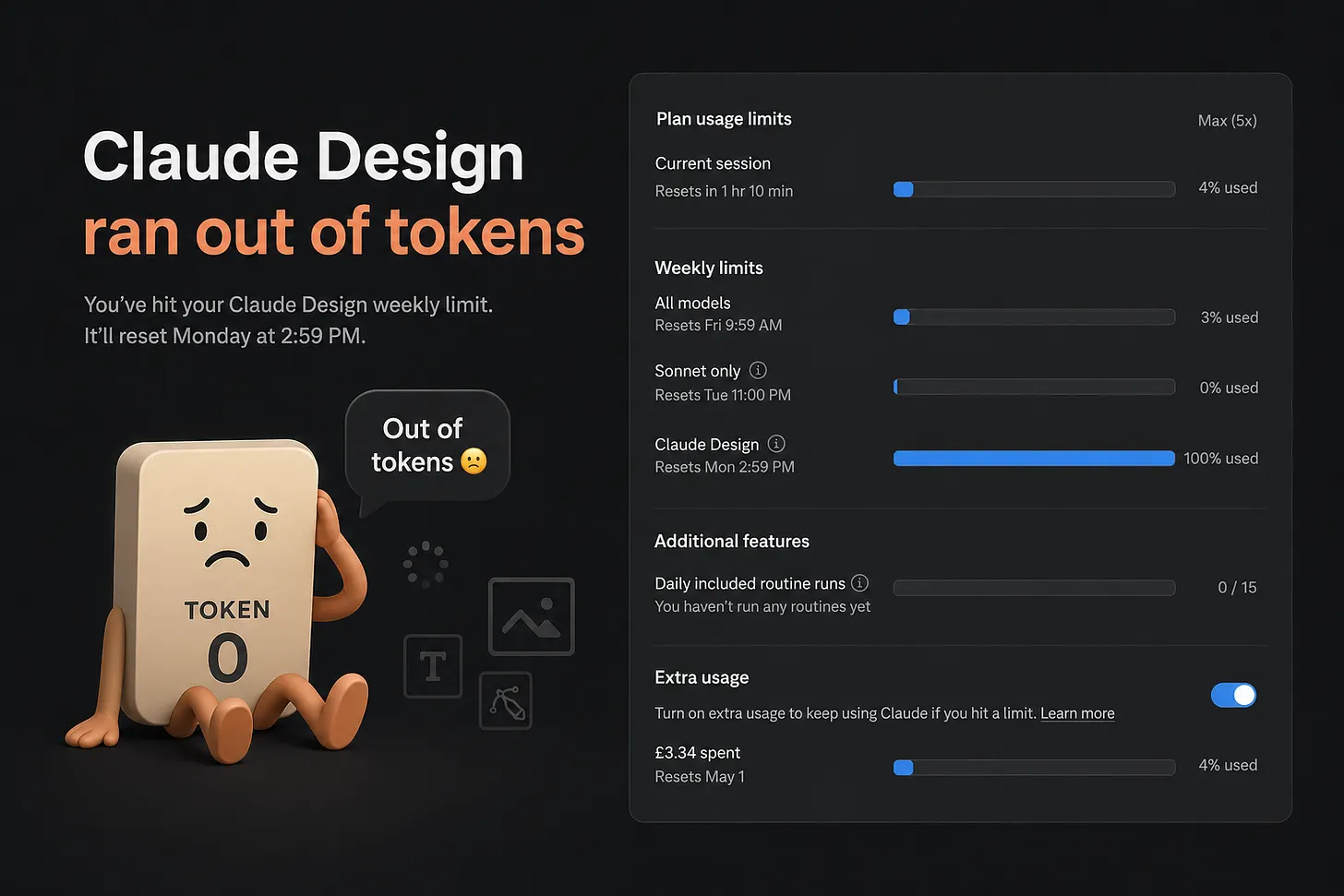 TutorialsHow to Save Tokens in Claude Design Without Killing Creative QualityA practical playbook for reducing Claude Design usage, avoiding rework, and getting better output from every prompt without sacrificing creative quality.Updated May 12, 2026 · 8 min
 TutorialsTop 10 AI Prompts Every Visual Designer Should Save10 copy-paste prompts for mood boards, polish passes, handoff QA, and stakeholder feedback so you can make faster, sharper visual design decisions with AI.Updated May 5, 2026 · 11 min
 TrendsThe Week I Realized I Was Learning the Wrong ThingIn a week of nonstop AI launches, why the best investment is still timeless design fundamentals: trust, craft, and clear decision quality.Updated Apr 28, 2026 · 7 min
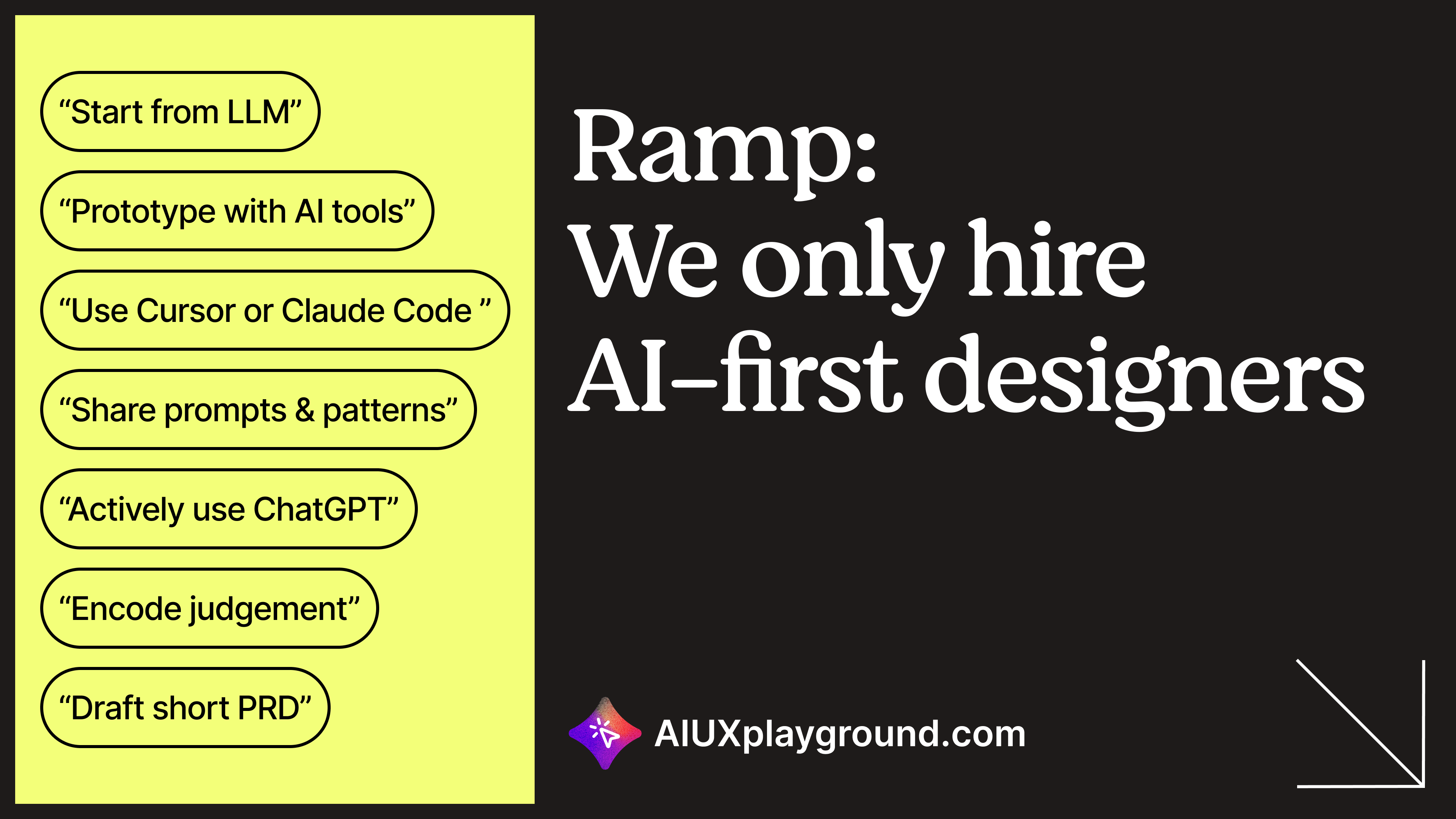 TrendsCompanies like Ramp are hiring AI-first designers and we built a skill for thatA practical decode of "AI-first" design hiring language, including before-vs-after workflows and a reusable skill to prep for interviews and team alignment.Updated Apr 21, 2026 · 10 min
 Deep divesDesigning better AI chat (part 2 of 2)Citations, memory, thread navigation, export, and recovery patterns that make AI chat usable past the demo.Updated Apr 14, 2026 · 12 min
 Deep divesDesigning better AI chat (part 1 of 2)Make AI chat clear and controllable: streaming, tool switching, drafts, and branching.Updated Apr 8, 2026 · 12 min
 TrendsThe prototype is the deliverable in the AI eraRunning code as the shared artifact. Fewer specs, fewer translations, faster alignment with engineering and agents.Updated Mar 30, 2026 · 9 min
 TutorialsHow to prompt AI for accessibility (a11y)Early prompts that catch keyboard, screen reader, and form issues before they become launch-week fires.Updated Mar 24, 2026 · 8 min
 TutorialsHow to Prompt AI for Design System ComponentsFrom Figma to code: Build design systems AI can actually use.Updated Mar 18, 2026 · 8 min
 TutorialsHow to Prompt AI for User ResearchLet AI handle the tedious jobs. You focus on what actually matters: the people and the insights they reveal.Updated Mar 13, 2026 · 8 min
 TrendsHow AI Is Changing the UX Designer Role (And What to Do About It)Design used to be about making the right thing. More and more, it's about choosing the right thing from what AI makes. And knowing why.Updated Mar 5, 2026 · 10 min
 Tutorials10 Prompting Rules I Learned After Vibe Coding 113 Interactive DemosThe prompting best practices I use every day building with AI. Context before task, one change per prompt, screenshot-driven design, and more. From a designer who codes by vibing, not typing.Updated Feb 7, 2026 · 7 min
 TutorialsPlaybooks: Chain AI Prompts Into Reusable WorkflowsSingle prompts are great for single tasks. But real design work like sprints, research studies, and promotions needs workflows. Here are 18 playbooks that chain prompts into step-by-step processes.Updated Jan 28, 2026 · 5 min
 TutorialsAI Prompts to Grow Your Design Career (Impact, Workshops, 1:1s, Job Search)A practical prompt library for designers: communicate impact, run better workshops, level up manager 1:1s, and get hired faster.Updated Jan 27, 2026 · 9 min
 TutorialsAgent skills: what they are and why designers use themInstall standards once (accessibility, UX writing, critique). The agent applies them when the task matches.Updated Jan 20, 2026 · 10 min
 TrendsWhy UX Designers Are Ditching Figma for CursorFigma outputs pixels. Cursor outputs products. Why the best designers are switching from static mocks to working code, and how to make the transition.Updated Jan 15, 2026 · 10 min
 TutorialsBuilding AI-native design systemsDesign systems that work with Claude Code, Cursor, Lovable, and v0. Three workflows: from scratch, from screenshots, or from Figma.Updated Jan 14, 2026 · 12 min
 Tutorials10 AI prompts designers use for research, handoff, and career workPrompts for research synthesis, specs, design-system audits, case studies, and resumes.Updated Jan 6, 2026 · 10 min
- Deep divesClaude vs ChatGPT: composer design choicesHow ChatGPT and Claude's composers differ on tools, modes, and context, and what to reuse in your own product.Updated Dec 30, 2025 · 10 min
 Deep divesThe trust stack: 7 patterns that make AI feel safe to useCapability is not adoption. Seven UX patterns that build trust in the interface: citations, process, uncertainty, and control.Updated Dec 15, 2025 · 8 min
- Deep divesThe AI chat interface playbook: 5 patterns worth shippingSlash commands, @ mentions, follow-up chips, smart code blocks, and a regen carousel.Updated Dec 8, 2025 · 7 min
- Deep divesHow Cursor shaped AI coding UX: 5 patterns to stealArtifacts, Apply, branching, streaming with context, and tool use. Cursor wins on how AI sits in the edit loop.Updated Dec 1, 2025 · 7 min
- Deep divesDesigning for AI agents: 6 UX patternsWhen AI takes actions, show the plan, the tools, the queue, and the handoff.Updated Nov 24, 2025 · 8 min
- Deep divesVisual AI patterns from Midjourney, Figma, and RunwayVariation grids, inpainting, upscaling, style transfer, and controls beyond the prompt.Updated Nov 17, 2025 · 6 min
- Deep divesOnboarding users to AI: 4 patterns that shorten the blank promptUsers do not know what to ask. Example prompts, empty states, progressive unlock, and guided tasks.Updated Nov 10, 2025 · 6 min
Frequently asked questions
What are AI UX Playground guides?
Guides are 36 curated essays organized as tutorials (13), deep dives (16), and industry trends (7). They complement the pattern catalog with step-by-step workflows, pattern essays with demos, and perspective on where AI product design is heading.
How do guides differ from patterns and teardowns?
Patterns are named UX solutions with definitions and demos. Teardowns are screenshot walkthroughs of shipped products. Guides teach process and connect patterns into narratives: how to build an AI-native design system, how trust patterns work together, or how roles and tools are shifting.
Which guide type should I browse first?
Choose Tutorials when you need a step-by-step workflow. Choose Deep dives when you are specing chat, trust, or agents and want pattern context with demos. Choose Trends when you are aligning stakeholders on tooling, roles, or deliverables.