
Tutorials: Step-by-step AI UX workflows.
Tutorials
 TutorialsHow to install an agent skill in Cursor, Claude Code, and CodexInstall a SKILL.md once so Cursor, Claude Code, Codex, or VS Code Copilot can apply the same rules on matching work. Paths, npx, and what to check when it does not show up.Updated Sep 11, 2026 · 8 min
 TutorialsSkill vs prompt: when to use eachA prompt is a one-off paste. A skill is a SKILL.md you install. Use prompts for a single deliverable, skills for a standing quality bar, and workflows when the job has ordered steps.Updated Sep 11, 2026 · 8 min
 TutorialsBuilding AI-native design systemsDesign systems that work with Claude Code, Cursor, Lovable, and v0. Three workflows: from scratch, from screenshots, or from Figma.Updated Jan 14, 2026 · 12 min
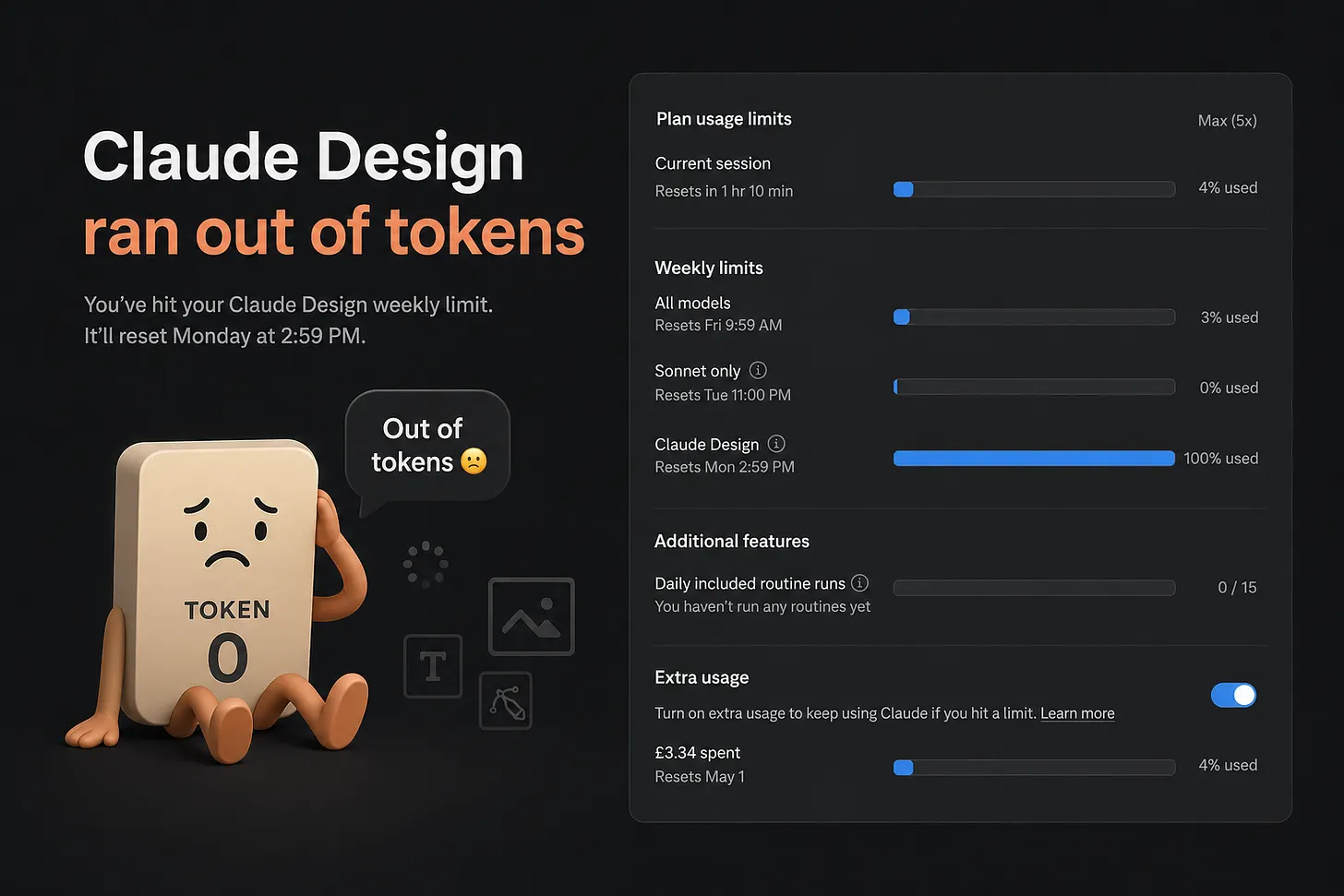 TutorialsHow to Save Tokens in Claude Design Without Killing Creative QualityA practical playbook for reducing Claude Design usage, avoiding rework, and getting better output from every prompt without sacrificing creative quality.Updated May 12, 2026 · 8 min
 TutorialsTop 10 AI Prompts Every Visual Designer Should Save10 copy-paste prompts for mood boards, polish passes, handoff QA, and stakeholder feedback so you can make faster, sharper visual design decisions with AI.Updated May 5, 2026 · 11 min
 TutorialsHow to prompt AI for accessibility (a11y)Early prompts that catch keyboard, screen reader, and form issues before they become launch-week fires.Updated Mar 24, 2026 · 8 min
 TutorialsHow to Prompt AI for Design System ComponentsFrom Figma to code: Build design systems AI can actually use.Updated Mar 18, 2026 · 8 min
 TutorialsHow to Prompt AI for User ResearchLet AI handle the tedious jobs. You focus on what actually matters: the people and the insights they reveal.Updated Mar 13, 2026 · 8 min
 Tutorials10 Prompting Rules I Learned After Vibe Coding 113 Interactive DemosThe prompting best practices I use every day building with AI. Context before task, one change per prompt, screenshot-driven design, and more. From a designer who codes by vibing, not typing.Updated Feb 7, 2026 · 7 min
 TutorialsPlaybooks: Chain AI Prompts Into Reusable WorkflowsSingle prompts are great for single tasks. But real design work like sprints, research studies, and promotions needs workflows. Here are 18 playbooks that chain prompts into step-by-step processes.Updated Jan 28, 2026 · 5 min
 TutorialsAI Prompts to Grow Your Design Career (Impact, Workshops, 1:1s, Job Search)A practical prompt library for designers: communicate impact, run better workshops, level up manager 1:1s, and get hired faster.Updated Jan 27, 2026 · 9 min
 TutorialsAgent skills: what they are and why designers use themInstall standards once (accessibility, UX writing, critique). The agent applies them when the task matches.Updated Jan 20, 2026 · 10 min
 Tutorials10 AI prompts designers use for research, handoff, and career workPrompts for research synthesis, specs, design-system audits, case studies, and resumes.Updated Jan 6, 2026 · 10 min
Frequently asked questions
What kind of tutorials are in this hub?
This hub includes 13 tutorials on AI-native design systems, prompting for accessibility and research, agent skills (SKILL.md), vibe-coding rules, and chaining prompts into workflows. Each guide is written for designers and PMs who want a clear path, not a news recap.
How are these different from prompts or workflows?
Tutorials explain the why and walk through decisions end to end. Prompts are single copy-paste blocks; workflows are multi-step playbooks with timing. Start with a tutorial when you are learning a new capability, then jump to linked prompts or workflows when you are ready to execute.
Which tutorial should I start with?
Start with Building AI-native design systems if you need tokens and prompts agents can use. For day-to-day prompting hygiene, read the vibe-coding rules guide. For persistent agent behavior, read Skill vs prompt, then How to install an agent skill.