
Companies like Ramp are hiring AI-first designers and we built a skill for that
A practical decode of "AI-first" design hiring language, including before-vs-after workflows and a reusable skill to prep for interviews and team alignment.
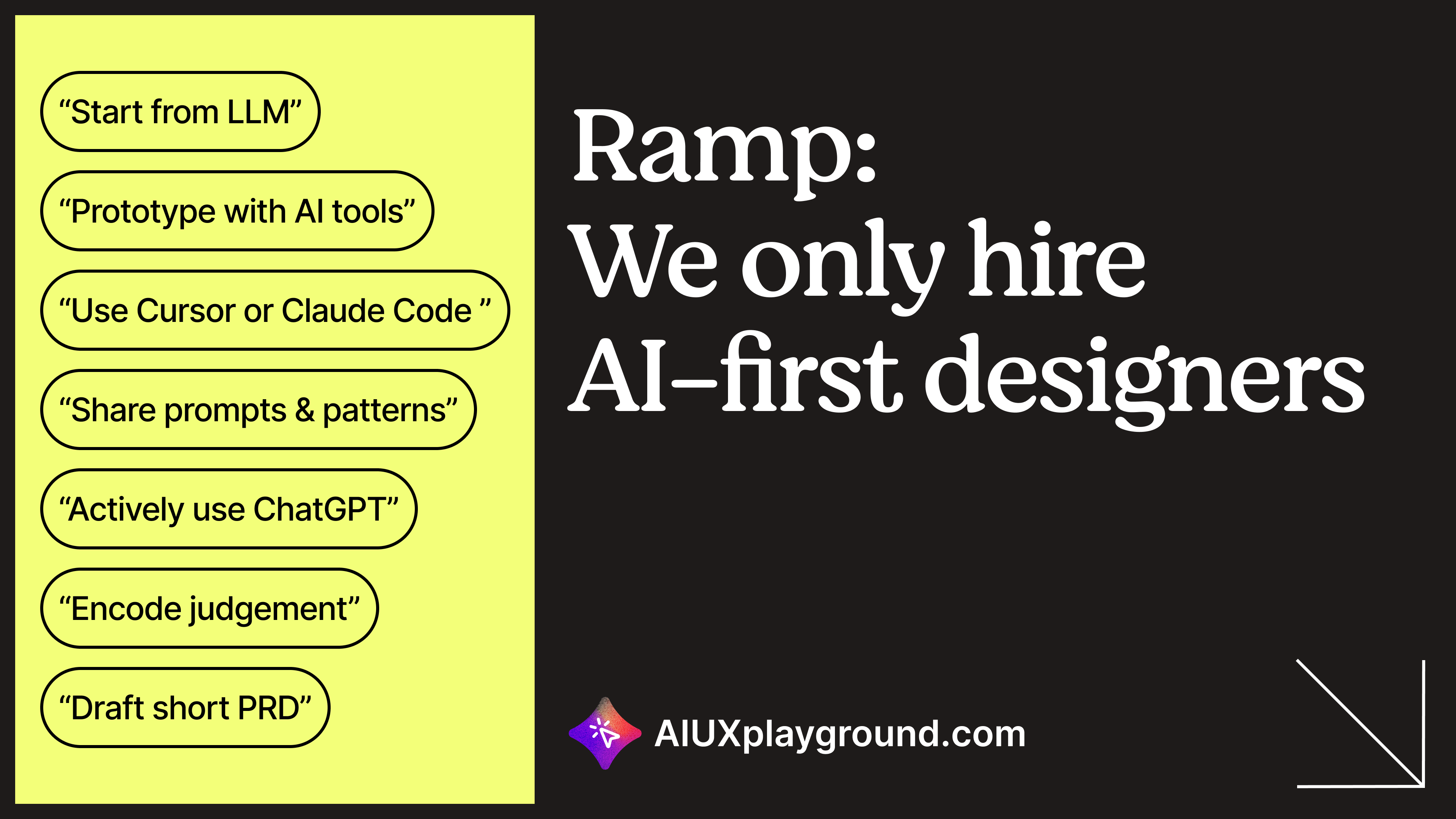
The first time many designers see "AI-first" in a product design job listing, the reaction is mixed: validation that work is changing, plus anxiety about what companies actually expect.
This post decodes that signal using Ramp as a concrete example. Not as official guidance, just as a market pattern that is showing up in hiring language across teams.
If you want companion reads, start with how AI is changing the UX designer role and how to become an AI-native designer.
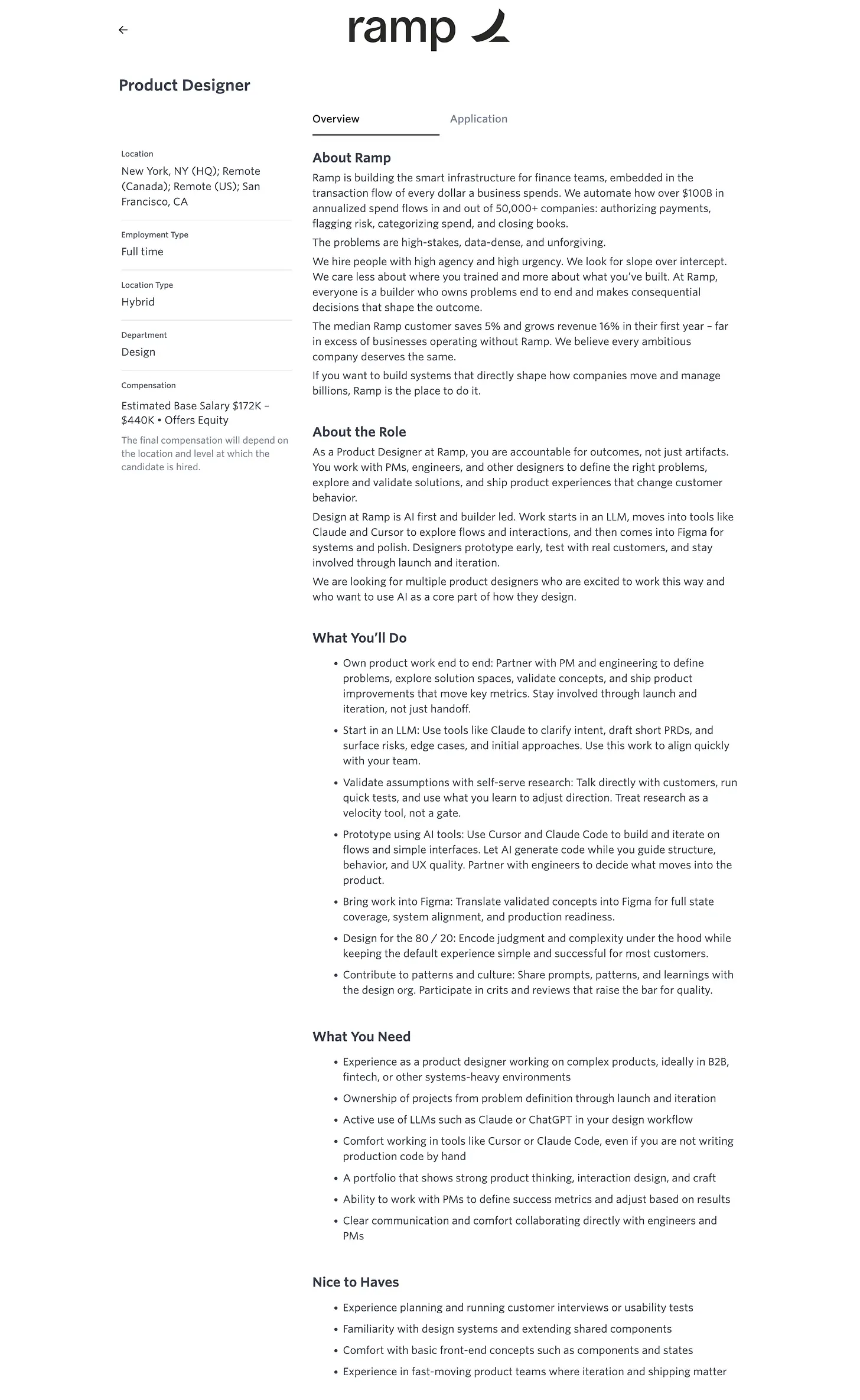
What "AI-first" usually means in practice
These roles are usually not looking for "a designer who likes ChatGPT." They are looking for a different order of operations:
- Start with LLMs for framing, intent clarification, and risk mapping.
- Prototype behavior early with AI-assisted code, not only static screens.
- Use Figma later for systems, full states, polish, and handoff quality.
- Work closer to PM/engineering from problem definition, not just at handoff.
- Measure success by outcomes and behavior change, not artifact delivery volume.
Before vs after: seven workflow swaps
- Where design starts: before = Figma first; after = LLM first for framing and alignment.
- Prototyping medium: before = static mocks; after = interactive AI code prototypes.
- Figma's role: before = primary workspace; after = finish line for systemized production output.
- Research cadence: before = formal-study default; after = faster self-serve loops when direction is the question.
- Requirements flow: before = PM hands off PRD; after = PM/design co-create lightweight PRD-shaped artifacts.
- Engineering collaboration: before = mostly at handoff; after = continuous collaboration.
- Definition of success: before = shipped designs; after = measurable product behavior change.
The simplest way to summarize this shift: Figma is where design finishes, not where it starts.
For implementation depth, these are useful follow-ups: AI-native design systems, the prototype is the deliverable, and prompting rules from shipping demos.
The three layers, in order
- LLM layer: clarify intent, draft light specs, capture edge cases, and align cross-functional partners early.
- Code prototype layer: validate behavior with clickable flows and faster iteration cycles.
- Figma layer: complete systems, full-state coverage, and production-ready handoff artifacts.
10 self-check questions for AI-first readiness
- Do I open an LLM before Figma on new problems?
- Have I built an interactive AI-assisted code prototype in the last month?
- Can I draft a practical PRD skeleton with AI and review it with PM?
- Am I talking directly to users regularly, without waiting for formal research every time?
- Do I intentionally design the 80% path first and explicitly handle edge cases?
- Does my handoff include full state coverage (error, empty, loading, success)?
- Can I define measurable success metrics for my current feature work?
- Do I review post-launch behavior data and feed it back into iteration?
- Have I shared reusable AI workflow patterns with my team this sprint?
- Am I accountable for outcomes, not just design output?
Additional practical guides from the original essay: run a design sprint with AI, prompt AI for user research, prompt AI for design system work, and prompt AI for accessibility checks.
Why we built a skill
Hiring language moves quickly. We packaged this decode into a reusable skill that teams can apply to interview prep, leveling conversations, and internal audits of what "AI-first" actually means in their context.
Get the AI-first designer skill →
Browse the full skills library or the Substack archive.
The bottom line: this shift is less about tools and more about velocity, accountability, and partnership.
Also published on Substack
Read the original post on Substack →Weekly insights in your inbox
A weekly newsletter for designers, PMs, and builders shipping AI products. Practical AI UX: patterns, real products, no hype.